
Kingobd Sports Notifications: Match Alerts and Reminders Guide
Learn how Kingobd Sports notifications work, how to manage match alerts and reminders, fix missing alerts, and control notice settings on Android.
Blog

Follow major tournaments on Kingobd Sports: World Cup, continental championships, and cup runs, with group schedules, knockouts, and final planning.
Tournament months take over the football calendar: group stages daily, knockouts every other night, and a final the whole world watches. Kingobd Sports keeps that chaos in one tournament schedule.
This guide shows how to follow a major tournament from the opening match to the final without losing a single round.
New to the platform? Begin with Kingobd Sports APK download.
A tournament listing runs in chronological order through the rounds: groups first, then each knockout stage as pairings are confirmed. Early in the event you see the full group calendar; later rounds fill in as results decide them.
Recheck the listing after every round, because knockout dates and opponents only become real once the previous stage ends.
A tournament schedule typically shows:
The group stage rewards breadth: many matches matter a little. Scan the full day's fixtures each morning, star the two or three that affect your team, and let the rest ride.
Final group rounds, where matches start simultaneously, deserve an alert so you catch the drama live, and Kingobd Sports Notifications: Match Alerts and Reminders Guide shows how to set those alerts properly.
Knockouts reward depth instead: fewer matches, all enormous. Confirm each pairing as it is set, convert the kickoff to your zone, and plan around it properly.
For time conversion help, Kingobd Sports Time Zone Guide: Read Kickoff Times Correctly explains how to read kickoff times in your own zone.
Between World Cups, continental championships and major cup competitions fill the same role in the calendar and appear in the same tournament format inside the app.
League seasons pause or bend around these events, which our league guide, Football Leagues on Kingobd Sports: Coverage and Schedule Guide, explains competition by competition.
Finals are known weeks ahead even when the teams are not. Put the date in your calendar as soon as the tournament starts, then add the teams when the semi-finals settle it.
Watching with a room full of people? Put the schedule on the big screen with How to Cast Kingobd Sports to TV with Chromecast and Mirroring, which covers casting and mirroring in full.
Knockout pairings appear once the previous round decides them. Recheck the tournament schedule after each stage ends.
Yes. Continental championships and major cup competitions are listed in the same tournament schedule format during their seasons.
The pairing is not decided yet. It fills in as soon as the quarter-final results are final.
Add the final's date to your calendar when the tournament begins and enable app notifications for the closing rounds.
Major tournaments are the best month in a football fan's year, and a single ordered schedule is the difference between following them and chasing them. Let Kingobd Sports hold the bracket while you enjoy the matches.
Follow the season around the tournament with Football Leagues on Kingobd Sports: Coverage and Schedule Guide, which tracks each league between the big events.
Learn how Kingobd Sports notifications work, how to manage match alerts and reminders, fix missing alerts, and control notice settings on Android.
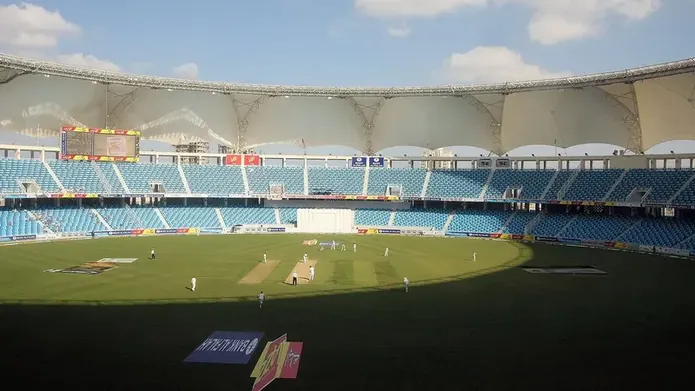
Follow cricket on Kingobd Sports: find fixtures, track tournaments, understand match timings, and keep up with international and league cricket schedules.
Understand Kingobd Sports data usage, what affects consumption, and practical tips to follow sports on limited mobile data without missing fixtures.