
Kingobd Sports Notifications: Match Alerts and Reminders Guide
Learn how Kingobd Sports notifications work, how to manage match alerts and reminders, fix missing alerts, and control notice settings on Android.

Blog
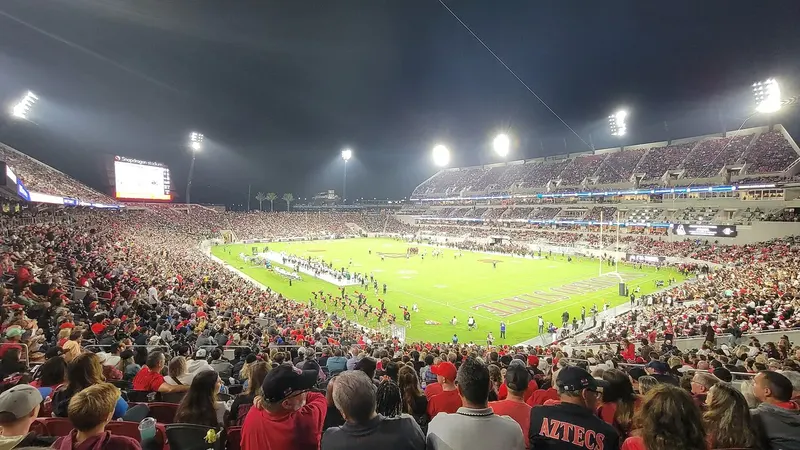
See how Kingobd Sports organizes football league coverage, from domestic leagues to cups, and how to follow a full league season schedule in the app.
A football season is a marathon of league rounds, cup ties, and continental nights. Kingobd Sports organizes that sprawl into league schedules you can scan in seconds.
This guide explains how league coverage is structured, how a season schedule is laid out, and how to follow one league closely without losing the others.
For the complete app overview, start with Kingobd Sports APK.
Leagues appear as their own schedule collections, separate from one-off tournaments. Each league's fixtures run in round order, so you can see this week's matches and the rounds ahead in one continuous list.
Cup competitions sit alongside league coverage rather than inside it, which keeps domestic and knockout calendars from colliding.
Pick your primary league and check its schedule every round. Derbies, title-deciders, and relegation battles stand out weeks in advance when you read the fixture list as a story rather than a set of isolated matches.
Big rounds deserve an alert, so pair this habit with Kingobd Sports Notifications: Match Alerts and Reminders Guide and set reminders for the rounds that matter.
A league season schedule shows:
Midweek cups and continental fixtures interrupt league rhythm, and their schedules update as draws are made. Check the relevant tournament listing after each draw to see new pairings and dates.
Our tournament guide, Following Major Tournaments on Kingobd Sports, covers those events in depth as the draws unfold.
League fixtures are listed with their scheduled kickoff times, which may be shown in a reference time zone. If a time looks several hours off your local expectation, convert it before assuming an error.
The conversion method is explained step by step in Kingobd Sports Time Zone Guide: Read Kickoff Times Correctly, with worked examples for common time zones.
Television selections and cup runs move league fixtures regularly. A changed date in the app almost always reflects an official reschedule rather than a mistake.
The Notice section usually confirms major calendar changes, so check it when a fixture you planned around suddenly shifts.
You can browse every league schedule the app lists. Most fans follow one or two leagues closely and check others around big fixtures.
Broadcast selections, cup commitments, and weather all move fixtures. The app updates the schedule to match the official change.
Cups have their own tournament listings so knockout dates do not get mixed into the league calendar.
Open the league schedule and scroll to the final rounds. The closing fixtures are listed in order like every other round.
League coverage is where Kingobd Sports earns its place on your phone: one ordered schedule per competition, updated as the season bends. Follow your league round by round and the season's story tells itself.
Round out your setup with Kingobd Sports Features, Settings and Streaming Quality Explained, which ties the main settings together into one routine.
Learn how Kingobd Sports notifications work, how to manage match alerts and reminders, fix missing alerts, and control notice settings on Android.

Follow cricket on Kingobd Sports: find fixtures, track tournaments, understand match timings, and keep up with international and league cricket schedules.
Understand Kingobd Sports data usage, what affects consumption, and practical tips to follow sports on limited mobile data without missing fixtures.