
Kingobd Sports Notifications: Match Alerts and Reminders Guide
Learn how Kingobd Sports notifications work, how to manage match alerts and reminders, fix missing alerts, and control notice settings on Android.

Blog
Understand Kingobd Sports language and region behaviour, how Android language settings affect the app, and what to check when menus appear in the wrong language.
Kingobd Sports fans are spread across many countries, so language and region questions come up often: menus in an unexpected language, or schedules that seem arranged for somewhere else.
This guide explains what the app controls, what Android controls, and how to get both pointing your way.
For the full app tour, start with Kingobd Sports for Android.
Many Android apps follow the phone's system language automatically. If your device language changes, app menus and labels can change with it at the next launch.
If Kingobd Sports looks different after a system update or a new phone setup, check the device language first before hunting through in-app menus.
Open Android Settings, go to System, Languages, and set your preferred language at the top of the list. Newer Android versions also offer per-app language choices under App Languages.
Restart Kingobd Sports after any change so it reloads its interface fully.
If menus look wrong, check in this order:
Region affects presentation more than content: the fixtures are the same, but reference times and category emphasis can reflect a primary audience. A schedule that looks shifted is usually a time-zone question, not a language one.
Solve that half with Kingobd Sports Time Zone Guide: Read Kickoff Times Correctly, which explains how region and reference times interact.
Team and tournament names are proper nouns and often stay in their original form across languages. That is normal, not a bug.
If whole sections appear untranslated, an app update usually resolves it, and How to Update Kingobd Sports to the Latest Version keeps the app current in a few steps.
A comfortable setup is: phone language set to your preference, automatic time zone on, notifications enabled, and the competitions you follow bookmarked by habit in the schedule view.
With those four in place, the app feels local wherever you actually live.
The app may be following your phone's system language. Check Android language settings and any per-app language option, then restart the app.
If an in-app option is offered it will be in Settings. Otherwise the app follows the device language, which you can change in Android Settings.
Team and tournament names are proper nouns and usually remain in their original form in every language.
The fixture catalogue is shared; region mainly affects presentation such as reference times.
Language in Kingobd Sports is mostly an Android story: set the device right, restart the app, and let schedules follow. Region questions usually turn out to be time-zone questions in disguise.
Complete your setup with Kingobd Sports Beginners Guide: Get Started in Minutes, which gets new users from install to first fixture in minutes.
Learn how Kingobd Sports notifications work, how to manage match alerts and reminders, fix missing alerts, and control notice settings on Android.
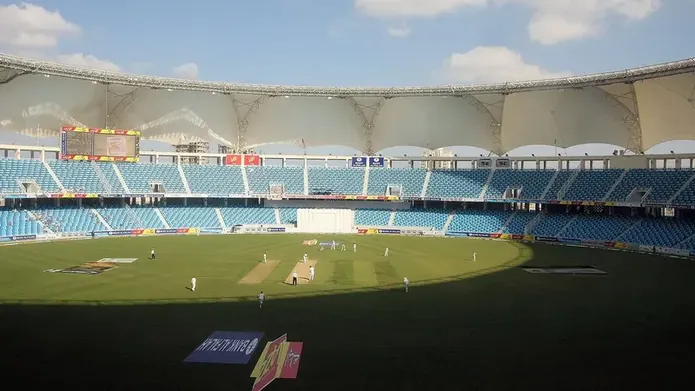
Follow cricket on Kingobd Sports: find fixtures, track tournaments, understand match timings, and keep up with international and league cricket schedules.
Understand Kingobd Sports data usage, what affects consumption, and practical tips to follow sports on limited mobile data without missing fixtures.